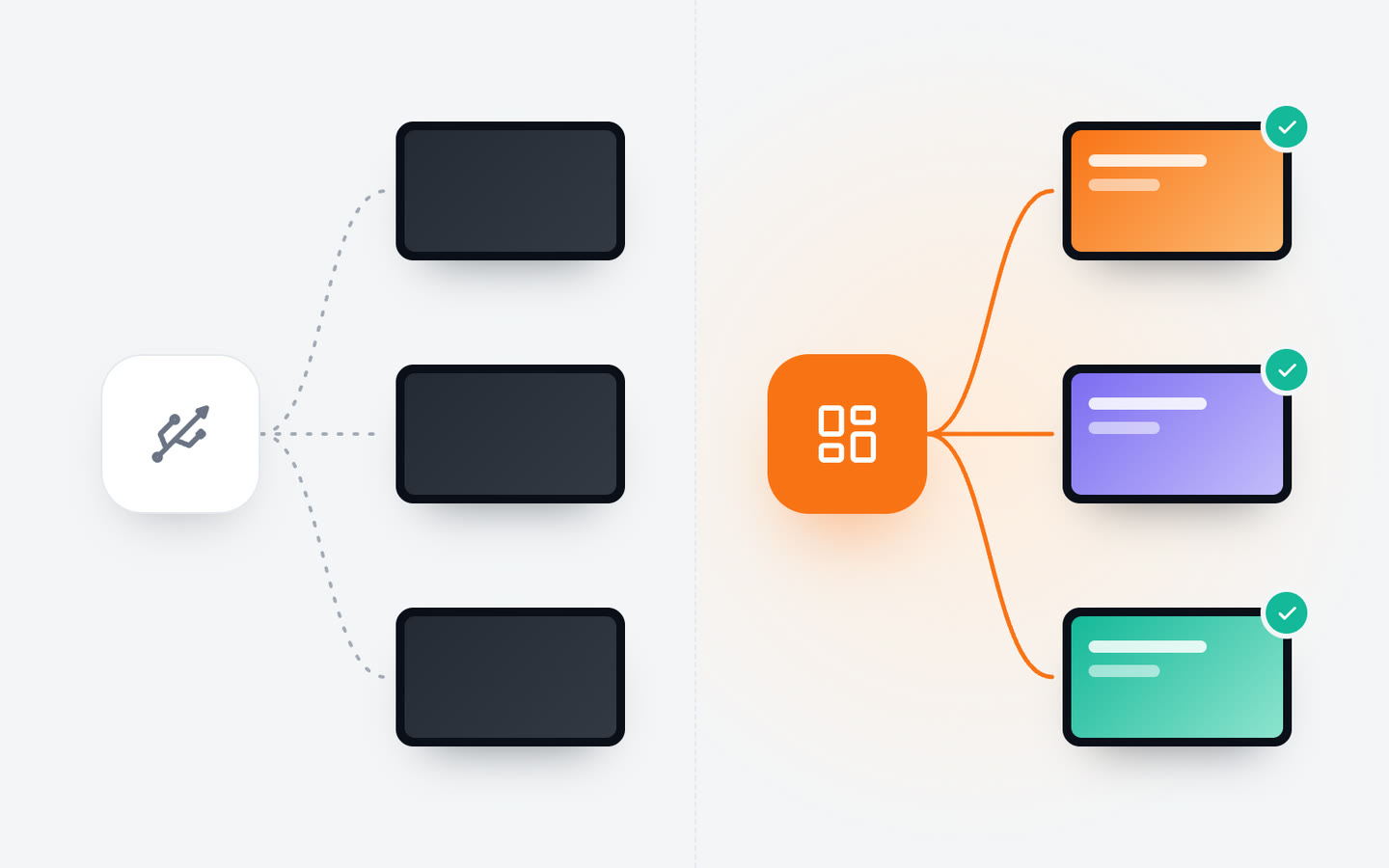
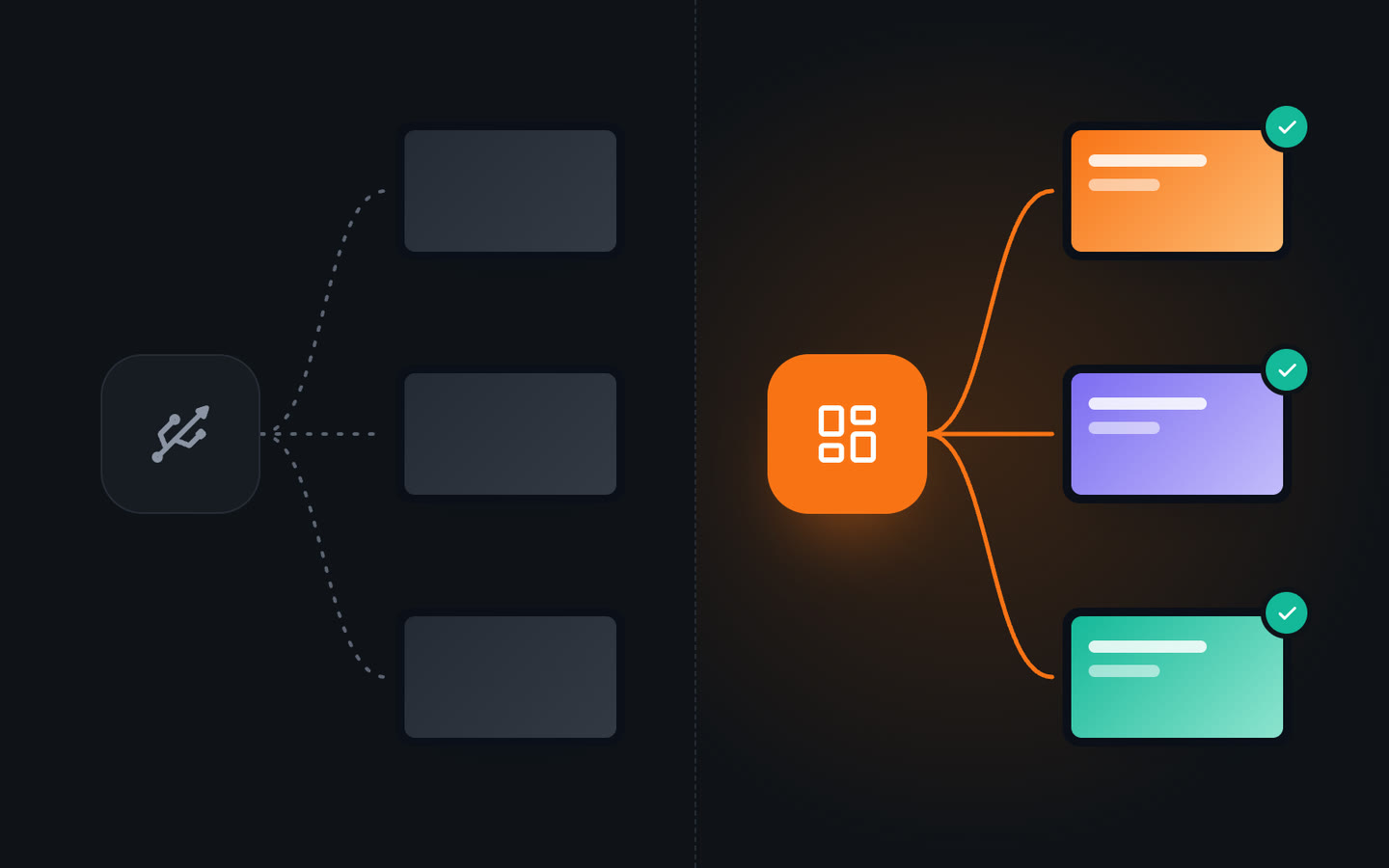
Say a new seasonal drink joins the menu on Monday, in three branches.
USB stick / smart TVJonza
USB stick / smart TV:Someone edits the file and copies it to a stick for each branch
Jonza:Add it once, from a laptop or a phone
USB stick / smart TV:Each stick has to reach its branch, by hand or by courier
Jonza:Every screen in the group picks it up within seconds
USB stick / smart TV:Someone on site finds the remote and the TV's media menu
Jonza:Nobody on site has to touch the TV
USB stick / smart TV:Nobody can tell from the office whether the new file is playing
Jonza:The dashboard shows which screens are online and what they're playing
USB stick / smart TV:The breakfast menu is still on at lunch, unless someone swaps it
Jonza:Breakfast and lunch switch over on their own, on a weekly plan
Side by side
Jonza
USB stick / smart TV
Change content without visiting the screen
Yes
No
Different content by time of day
Weekly calendar
No
One-day campaigns that end on their own
Yes
No
See whether the screen is on
Yes
No
Update several screens at once
Whole group at once
One stick per screen
Text, clock or ticker over a video
Live widgets
Baked into the video
Show a web page
Yes
No
Portrait screens
Yes
Depends on the TV
Time to change a price
Seconds, from anywhere
A visit per screen
What you need to start
Your own screens set up remotely, or Tochi screens from us with Jonza ready
A TV and a stick
The difference shows every time something changes: a new price, breakfast giving way to lunch, a campaign across branches. With a stick each one is a trip; with Jonza it's a few clicks from wherever you are.
What changes with Jonza
No more trips to each screen
New prices, a new video or a weekly special go out from your laptop or phone. Nobody has to copy files or find the remote.
Content that follows the clock
Breakfast in the morning, lunch at noon, the weekend offer on Saturday. Plan it once and every screen switches on time.
Every branch from one place
Update one screen or a whole group at once, and see from the office which screens are on and what they're playing.
Plan it once, and the screens follow
With a stick, every change of content is a change of file. With Jonza you put breakfast, lunch and the weekend offer on a weekly calendar, and each screen switches by itself when the time comes.
Weekdays, weekends or a single date
Priorities decide what wins when plans overlap
See what's playing now and what comes next
Questions
Can I keep my current TVs?
Often, yes. The Jonza player runs on Linux, Windows, Android, Google TV, Amazon Fire TV, LG webOS, Raspberry Pi and Samsung Tizen. If your TV runs one of these, or you can plug a small player into it, our team connects remotely and sets it up. If you'd rather start fresh, we can ship Tochi screens, Erpa's own brand made in Türkiye, with Jonza already set up.
Is a smart TV's built-in slideshow not the same thing?
It plays whatever files are on the stick or in its memory. Jonza adds what a slideshow doesn't: changes sent from anywhere, content that switches by the clock, live text and widgets on top, and a dashboard that shows each screen is on.
Do I have to redo my videos and images?
No. Upload the files you already have to the media library and use them in any playlist. You can crop and rotate images in the browser if they need adjusting.
What does it cost?
It depends on how many screens and locations you run. Contact us with your numbers and we'll put together a plan.