FAQ
Sign In Contact Sales
  1. Home
  2. Features
  3. Widgets

Features · Widgets

Screens that keep themselves up to date

Today's discount on the menu board, the weather in the lobby, whether you're open at the door, the days left until your opening. Live information that updates itself, so your screens are never out of date.

Contact Sales All features
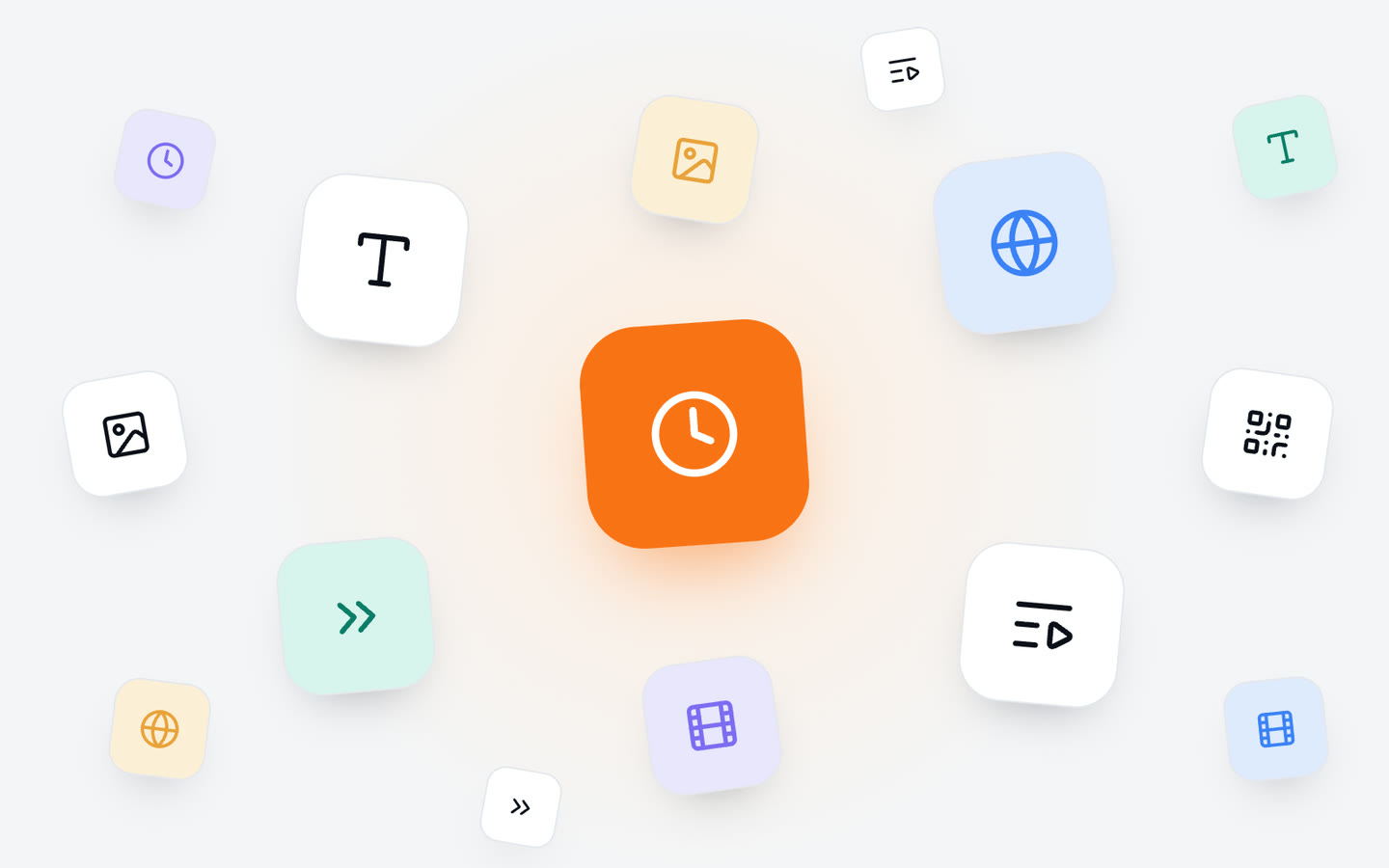
Icons on scattered tiles: a clock, text, a web page, a playlist, a ticker, an image, a video and a QR code.

Sell from the menu board

Set out your menu with prices, and when there's a deal, let the screen show it: the old price struck through, the new one beside it, and a banner announcing happy hour. Change a price and it's on every branch's screen within seconds.

  • Today's discount, clear at a glance
  • Banners for offers and announcements
  • Price lists and timetables

Welcome people and keep them informed

Greet visitors in the lobby with the time, the weather and the day ahead: today's meetings, a notice from the building, news headlines running along the foot. All of it current, without anyone touching the screen.

  • Clock, date and weather
  • Today's agenda and notices, in turn
  • Headlines from the news sources you choose

Answer questions before they're asked

Are you open? What's the Wi-Fi? How do I reach you? Put the answers on the door screen: opening hours with today picked out, open or closed right now, a code guests scan to join the Wi-Fi, and your social accounts and phone number.

  • Open or closed, updated on its own
  • Scan to join the Wi-Fi, open a link or call
  • Your contact details in one place

Build up to a date, rally round a goal

Count down to an opening, a launch or the end of a sale, and keep counting up afterwards if you like. Show how close a fundraiser or a sales target is, filling up as you get there.

  • A countdown to any date and time
  • A goal bar that fills as you get closer
  • Counting up, like days without an accident

In your brand's colours

Every screen can look like yours: your fonts and colours, with shapes, gradients, patterns and icons to frame your content. A price can sit on a tilted badge, a photo in a rounded frame.

  • Your fonts and colours
  • Shapes, gradients, patterns and icons
  • Landscape and portrait screens

Bring in what already lives elsewhere

Show your online menu or class timetable as a live web page, so it's never retyped. In meeting rooms and classrooms, let a phone or laptop share its screen on the display. And reuse a whole playlist inside another, so shared content is changed in one place.

  • Any web page, live on screen
  • Screen sharing for meeting rooms
  • Playlists inside playlists

Widgets at work

  • A café's happy hour

    The menu board drops latte prices for two hours in the afternoon and shows the saving, then goes back by itself.

  • An office lobby

    Visitors see the time, the weather and which meeting room to head to, while the news runs along the bottom.

  • A shop door after hours

    Passers-by see when you open tomorrow and can scan a code to your online shop.

  • A charity run

    A countdown to race day and a goal bar that fills as donations come in keep everyone counting together.

Questions about widgets

What can I show with widgets?

The time and the weather, news headlines, menus with prices and discounts, tables, announcements, opening hours, QR codes, contact details, countdowns and goal bars, web pages, screen sharing and more, combined on one screen as you like. Ask us about anything you'd like to see on yours.

Do widgets stay up to date by themselves?

Yes. The clock keeps time, the weather and headlines refresh, opening hours switch between open and closed, and a countdown ticks down without anyone touching the screen.

Can I use my brand's look?

Yes. Widgets take your fonts and colours, and you place each one exactly where you want it on the screen.

Do I need a designer?

No. You build the screen yourself in your browser, and our team is there to help with your first one.

Keep reading

  • Features Screen Designer Pixel-precise placement, text and shapes, animations and transitions, in your browser. Read more
  • Features Playlists Images, videos and web pages in a filmstrip you drag into order, with a preview before it goes live. Read more
  • Solutions Offices & Lobbies Visitor welcomes, meeting lists and company announcements on lobby and office screens. Read more

Ready to put your screens to work?

Leave your details and we'll get back to you with a quote. From setup to the first thing on screen, our team is with you.

info@jonza.app

We use your details only to answer your request, as set out in our Privacy Policy.

Thank You

Your request has reached us. Our team will be in touch shortly.

The simple way to manage digital signage. Jonza is built in Türkiye by Erpa Teknoloji, with a long track record in digital displays and industrial solutions.

Solutions

  • Cafés & Restaurants
  • Retail
  • Municipalities
  • Offices & Lobbies
  • Clinics & Hospitals
  • Hotels
  • Jewellery & Boutiques
  • Gyms & Studios

Features

  • Screen Designer
  • Playlists
  • Scheduling
  • Device Management
  • Media Library
  • Widgets
  • Supported Devices

Resources

  • Blog
  • Guides
  • Compare
  • USB Stick vs Jonza
  • Printed vs Digital Menu Boards
  • Best Digital Signage Software Companies

Jonza

  • Features
  • References
  • FAQ
  • Press Kit
  • Contact
  • Sign In
  • Privacy Policy
  • Cookie Policy
© 2026 Jonza. All rights reserved. info@jonza.app EN TR Made in Türkiye · A product of Erpa Teknoloji