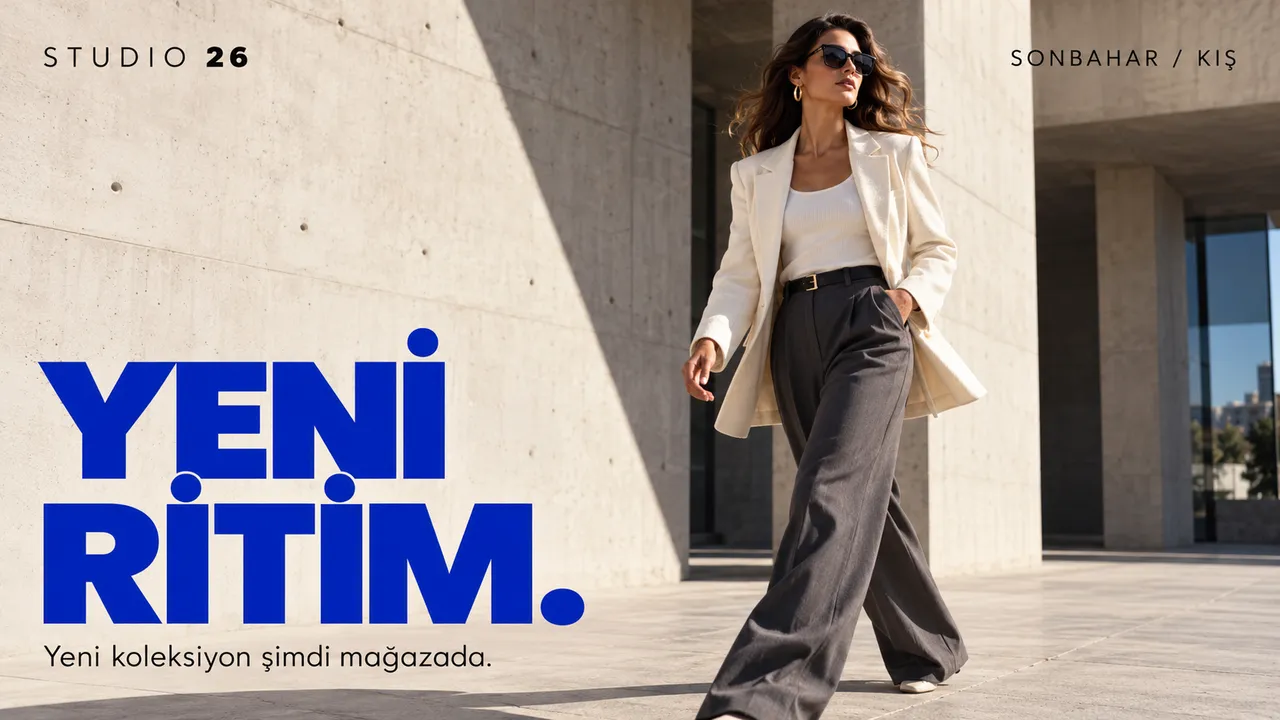
A new-season film that plays all day, so passers-by see what's inside before they reach the door.
Campaign launches
A sale that starts at 10:00 on Friday in every store, and ends on Sunday night without anyone taking it down.
Portrait screens at the entrance
Tall screens by the door or between racks, designed in portrait rather than cropped from a landscape poster.
Opening hours and offers
A ticker along the bottom with opening hours, new arrivals or a loyalty card reminder, over the main content.
Different stores, different stock
Tag screens by store or region and give each group the campaign that matches what's on its shelves.
Launching a campaign across the chain
Printed postersWith Jonza
Printed posters:Posters printed, shipped and hung in every store
With Jonza:One campaign scheduled for every store at once
Printed posters:Some stores start late, some forget to take it down
With Jonza:It starts and ends on the dates you set
Printed posters:A price change means another print run
With Jonza:Fix a price once and every screen follows within seconds
Printed posters:No way to check what each window is showing
With Jonza:See what every screen is playing, from anywhere
Beyond the window
Every part of the shop floor has its own job for a screen.
The sales floor
Above the aisles, pointing people to this week's offers and where to find them.
Category signs
Weekly offers
New arrivals
Next to the product
A small screen by the shelf shows the product in use, or what goes into it.
Product videos
Product details
Comparisons
The till
The last thing people see before they pay: a small extra, or the loyalty card.
Impulse buys
Loyalty programme
Gift cards
The fitting rooms
Ideas for what goes with the piece being tried on.
Outfit ideas
Matching pieces
New collection
The service desk
Returns, delivery and click-and-collect, answered before anyone has to ask.
Return terms
Delivery options
Store services
The staff room
Targets, rotas and the next campaign's notes, where the team will see them.
Staff notices
Sales targets
Training
Design the window like a short film
Stack video, images, a headline and a ticker on a layered timeline. Trim and place each piece, switch between landscape and portrait, and see exactly how it will look before it goes live.
Clock, ticker, text and website widgets
Landscape and portrait screens
Playlists inside playlists, so one brand loop serves every store
Every store's screens, in one list
Tag screens by store, floor or type, and update a whole group at once. Check which ones are online and what they're playing, without calling the store.
Let's plan your stores' screens
Tell us how many stores and screens you have, and we'll put together a quote for the whole chain.
Add the photos and videos to your media library. Crop and rotate them in the browser if needed.
02
Build the window
Put them in a playlist, or design the screen on the timeline with a headline and a ticker.
03
Schedule it chain-wide
Give it a start and an end date on the calendar, choose the store tags, and it goes live on its own.
Questions retailers ask
Can a campaign start in every store at exactly the same time?
Yes. Schedule it once for the stores you choose, and every screen switches at the time you set. It ends the same way.
Do you support portrait screens?
Yes. You can design for landscape or portrait, and rotation can be adjusted remotely from the dashboard.
Can different stores run different campaigns?
Yes. Tag screens by store or region and assign each group its own playlists and schedule, all from the same account.
How is pricing worked out?
It depends on how many screens and locations you run. Contact us and we'll put together a plan for your chain.
Can we play product videos?
Yes. Upload your videos with your images and put them in the same playlist, in the order you want.
What is digital signage in retail?
Digital signage in retail is screens in the window and on the shop floor that show campaigns, products and store information. Because it's managed online, a campaign can start in every store at once, or each store can show its own.