Features · Devices
Runs on the screens you have
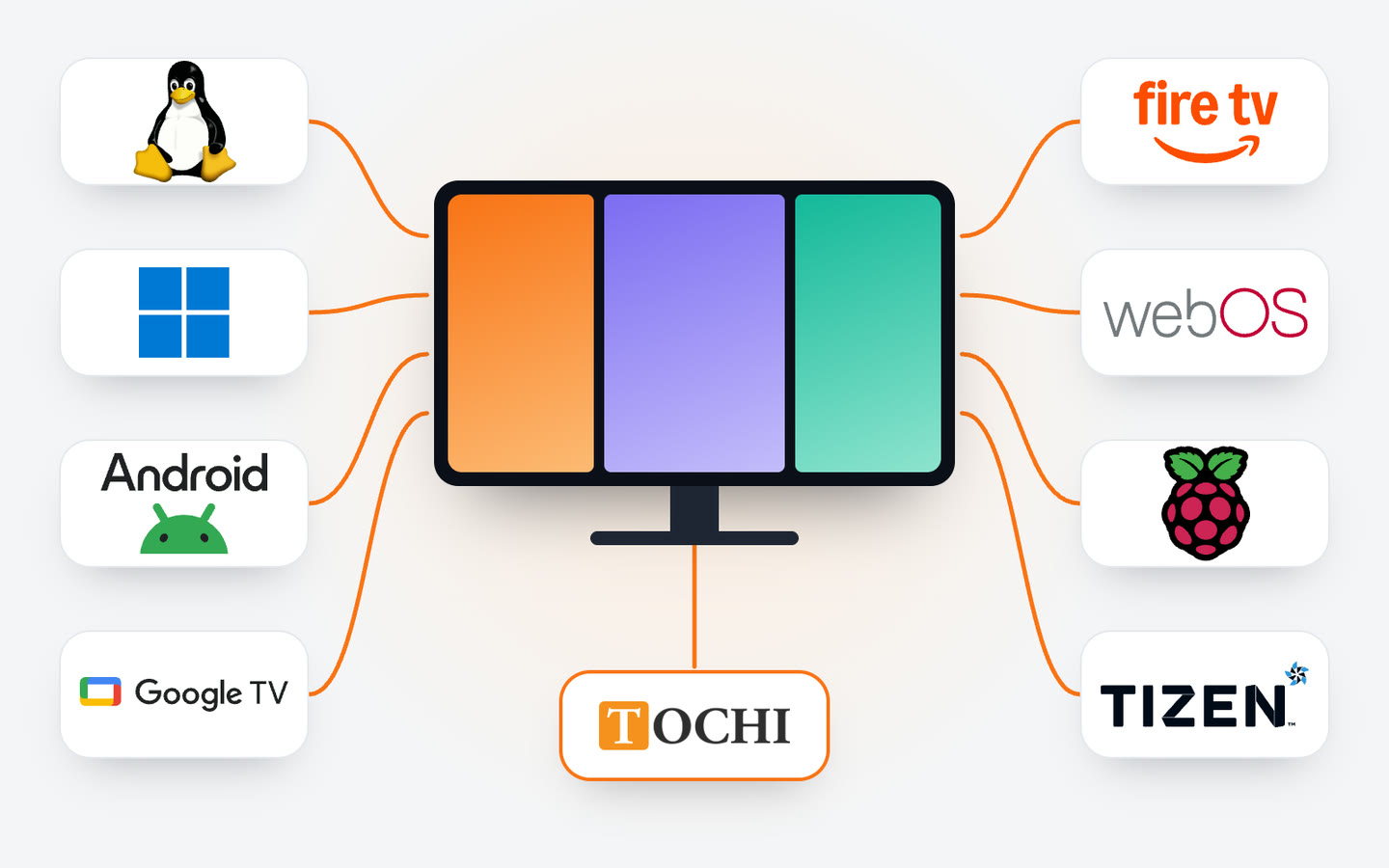
Many smart TVs can run Jonza on their own. A TV that can't gets a small player behind it over HDMI. Either way, you pair it with a code and manage it from the same dashboard.
Where Jonza runs
A smart TV runs the player itself. Anything else needs a device connected to the screen.
Ready to use

Tochi screens
Our own screen brand, made in Türkiye and certified as a domestic product (Yerli Malı Belgesi). Rather not choose? Tochi screens arrive with Jonza already set up: turn one on and it's ready to pair.
Smart TV

Samsung smart TVs and signage displays
Samsung smart TVs and Samsung's commercial signage displays both run Tizen, and Jonza runs on it directly. No box behind the screen, one less cable.
LG smart TVs
LG smart models run webOS, which runs the Jonza player too. The TV is the whole setup.
Android TV and Google TV sets
Many smart models from brands such as Arçelik, Beko, Philips, TCL and Vestel run Android TV or Google TV. It varies by model, so check yours.
Player

Google TV devices
A Google TV Streamer or a Chromecast with Google TV plugs into the HDMI port and turns a TV that isn't smart into a signage screen.
Amazon Fire TV
Fire TV Stick and Fire TV Cube models running Fire OS run the Jonza player. A small, affordable option that plugs into any TV.
Windows PCs
A mini PC or a computer you already have can run the player and feed a screen over HDMI.
Linux
A small Linux machine behind the screen works well where you'd rather not run Windows.
Raspberry Pi
A small board that fits behind most screens. A common pick for a TV without a system of its own.
Other brand names and logos belong to their owners and are shown to indicate compatibility only. Not sure about your model? Ask us before you buy.
Which one should I pick?
You already have a smart TV
If it runs Tizen, webOS, Android TV or Google TV, start there. You don't need anything else.
Your TV isn't smart
Add a player over HDMI: a Fire TV Stick, an Android box, a Google TV device, a Raspberry Pi or a small Linux or Windows PC.
Several screens in one place
Mix whatever you have. Each screen pairs on its own, and tags let you update them as a group.
A screen in a shop window
Sunlight is the hard part, so brightness matters more than the system. A commercial display is usually the better choice there.
From box to screen
-
Turn it on
Turn on a screen with Jonza installed and connect it to the internet.
-
Pair it
The screen shows a six-digit code. Type it into the dashboard and the screen is yours.
-
Publish
Choose what it plays from a laptop or a phone. The screen picks it up within seconds.
Questions about devices
Do I need a media player?
Only if your screen can't run Jonza itself. Samsung Tizen, LG webOS and many Android TV or Google TV smart models can. Other screens need a player connected over HDMI.
Can I use a smart TV without a player?
Yes, if it runs Tizen, webOS, Android TV or Google TV. Most recent smart models from Samsung, LG, Arçelik, Beko, Philips, TCL and Vestel run one of these, but it varies by model.
Does it work on an Amazon Fire TV Stick or a Chromecast?
Yes. It runs on Fire TV Stick and Fire TV Cube models with Fire OS, and on Chromecast with Google TV and the Google TV Streamer. Older Chromecasts without Google TV only cast from a phone, so they can't run the player.
Can one player drive several screens?
In Jonza each screen is paired and managed on its own, so plan on one player per screen. If you have a particular setup in mind, ask us.
Do I need to buy new equipment?
No. If you already have screens, our team connects to them remotely and sets them up. If you'd rather start fresh, we can ship Tochi screens with Jonza already set up.
My device isn't listed. What now?
Write to us with the model and what it runs, and we'll tell you what's possible before you buy anything.
Read next
Ready to put your screens to work?
Leave your details and we'll get back to you with a quote. From setup to the first thing on screen, our team is with you.
info@jonza.app