FAQ
Sign In Contact Sales

Run every screen you own from one place.

Plan menus, promotions and announcements, and update the screens in every location from wherever you are.

Contact Sales See the product
Scroll

One update. Every screen, everywhere.

İstanbul Ankara Athens Cairo Vienna Rome Warsaw Baku Berlin Moscow Riyadh Paris Dubai Madrid London Tashkent Almaty
09:41

Update

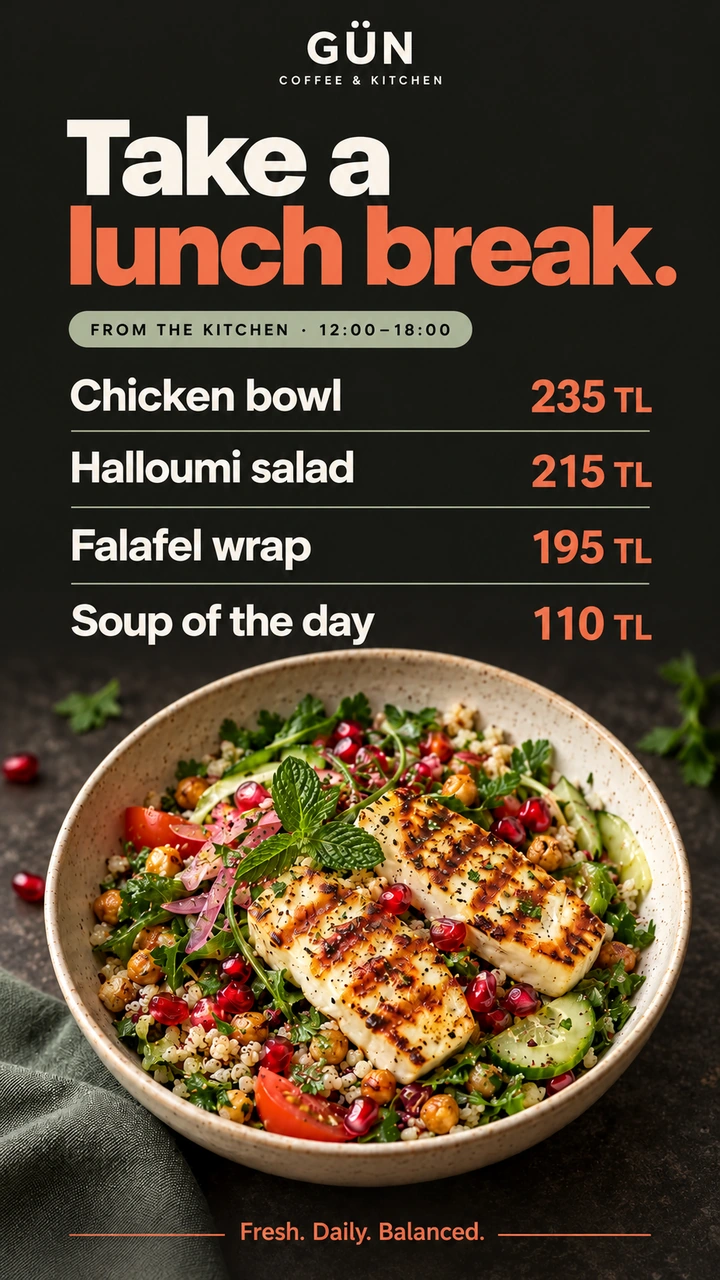
Lunch menu

Kadıköy · Menu board

When
Now
Screens
3 screens
Update

Live on 3 screens

Kadıköy · Menu board

Done
  1. Update
  2. Screens
  3. Everywhere

Brands already running on Jonza

  • Nestlé
  • Jacobs
  • Tadım
  • Ekrem Çoşkun Döner
  • Köfteci Ramiz
  • Saray Muhallebicisi
  • KEBO
  • LUUQ COFFEE
  • Pendik Belediyesi
  • Avrupa Konutları
  • Tavada Tavuk
  • MOGAF
  • Kayseri Mutfağı
  • Bülent Börekçilik
  • MY CHOICE Coffee
  • MİSU COFFEE
  • Gua Coffee
  • Gelateria Bonacci
  • LUZZO JEWELLERY

Everything your screens need

A quick look at some of the features of Jonza's digital signage software.

Design a screen the way you'd edit a video

Stack videos, images and live widgets on a layered timeline. Trim, split and place each one, and see exactly how it will look on screen.

  • Clock, ticker, text and website widgets
  • Landscape and portrait screens
  • Websites, and playlists inside playlists

Or keep it simple: drop it in, put it in order

For a quick slideshow, add content to a filmstrip and drag it into order. Video lengths are detected for you, and the total updates as you go.

  • Images, videos and web pages
  • Switch to the full timeline whenever you need more
  • Preview before anything goes live

Plan the whole week on one calendar

Breakfast menu in the morning, lunch specials at noon, a campaign for one day only. Set it once and every screen follows the plan by itself.

  • Repeat on weekdays, weekends or a single date
  • Priorities decide what wins when plans overlap
  • See what's playing now and what comes next

Know what every screen is doing, wherever it is

See which screens are online, what they're playing and how they're holding up, across every branch. Group them by location and update a whole group at once.

  • Live status, with storage, memory and signal history
  • Tags for branches, floors or screen types
  • Brightness and rotation, remotely

One library for every photo and video

Upload once and use it anywhere. Crop and rotate in the browser, follow video processing as it happens, and find any file in seconds.

  • Crop, rotate and resize without other software
  • Progress shown while videos are prepared
  • Search, and select in bulk
Explore features
  • Screen Designer
  • Playlists
  • Scheduling
  • Device Management
  • Media Library
  • Widgets
  • Supported Devices

Build a screen from widgets

Layer live elements over your content.

Drag a widget onto the screen, or click it to add

Welcome in

09:41 Saturday 17 October
erpateknoloji.com
Fresh pastries every morning — 2 for 1 before 11am — Ask about our loyalty card Fresh pastries every morning — 2 for 1 before 11am — Ask about our loyalty card

Layers

Image

Widgets

And much more

Properties

Image

A photo or poster from your library, full screen or framed in part of it. Layer it over a video or another image.

  • Layer over other content

Made for places people walk into

From cafés to shops, offices to gyms: screen content for every kind of business.

Announcements that reach the whole city

Events, service notices and urgent messages on every public screen, from one account.

  • Event announcements
  • Service notices
  • Many sites, one team
Explore

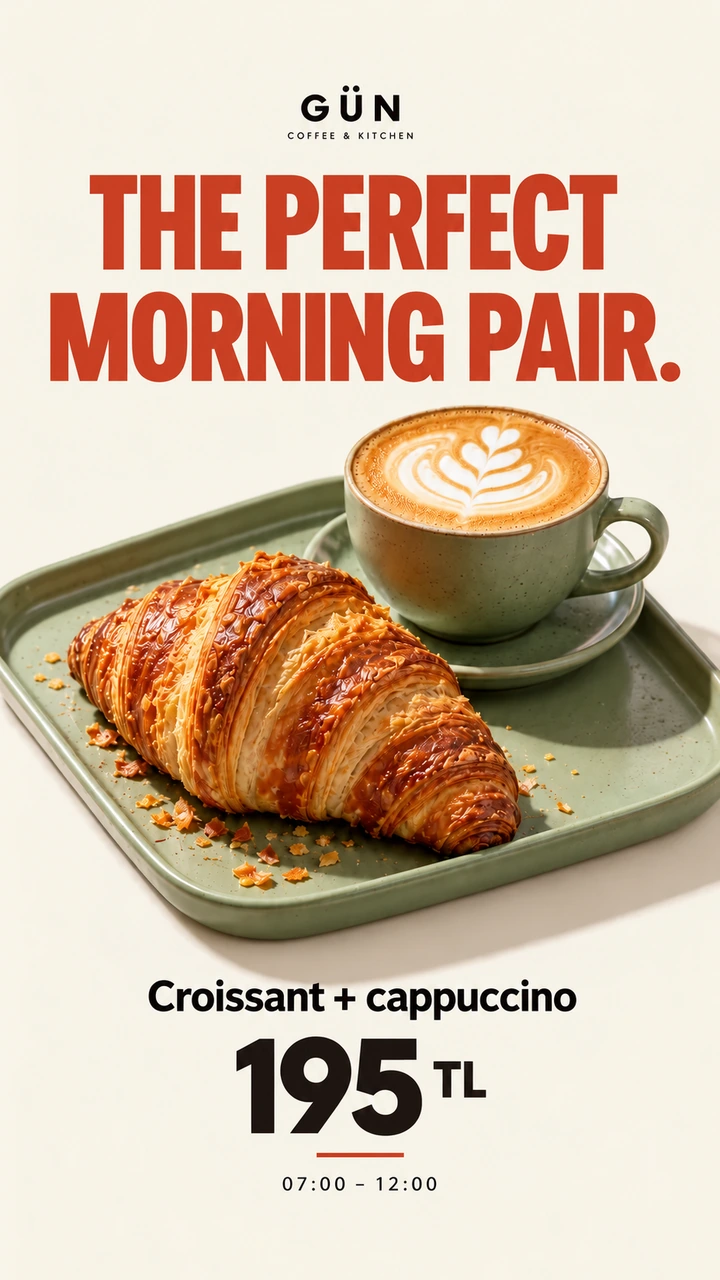
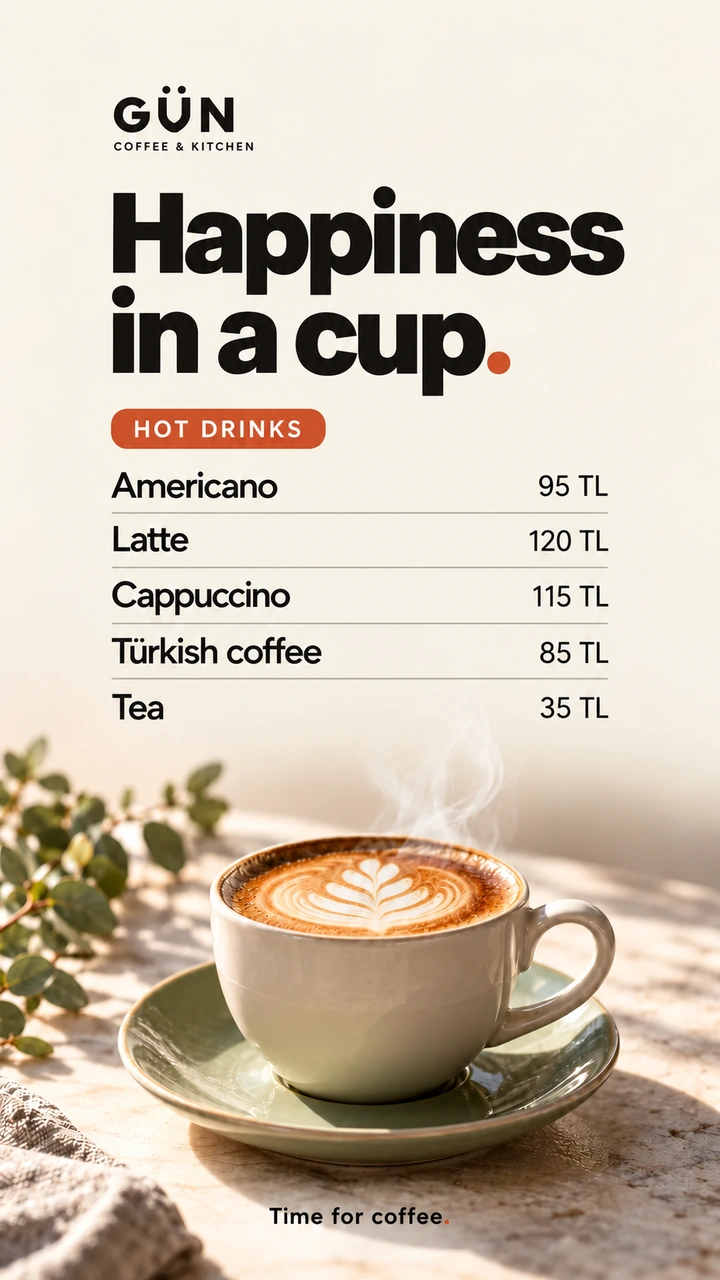
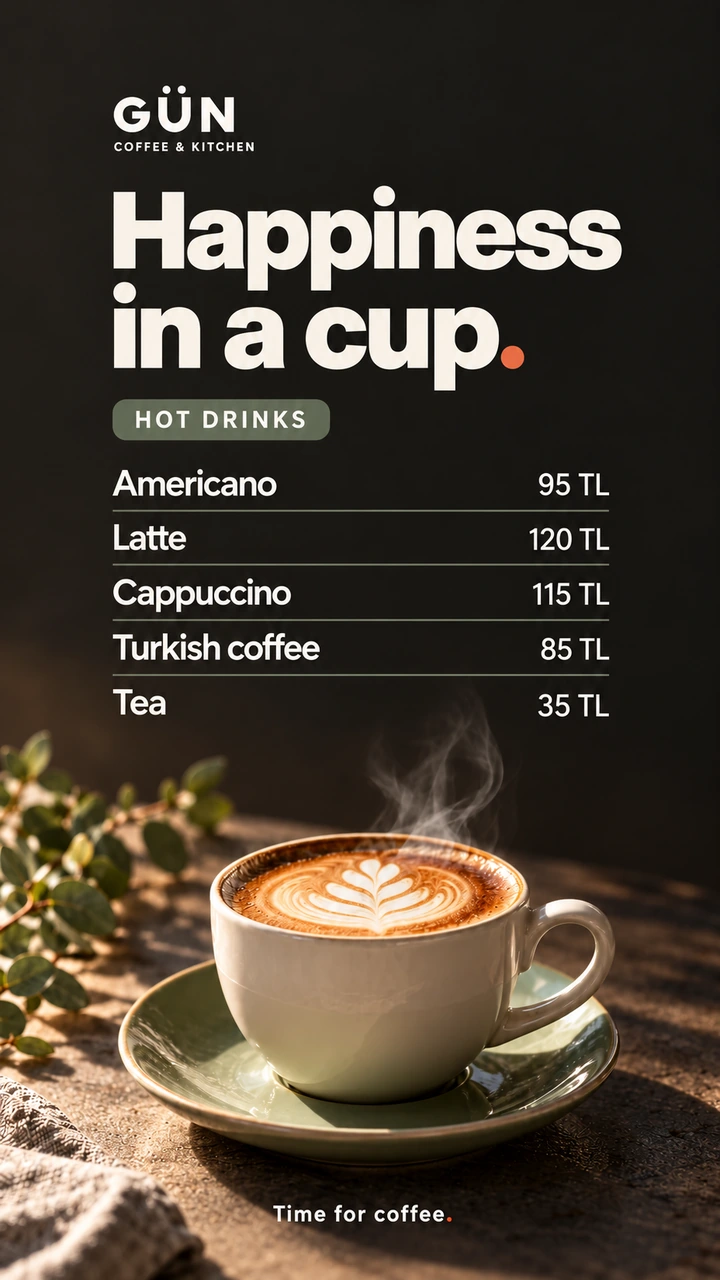
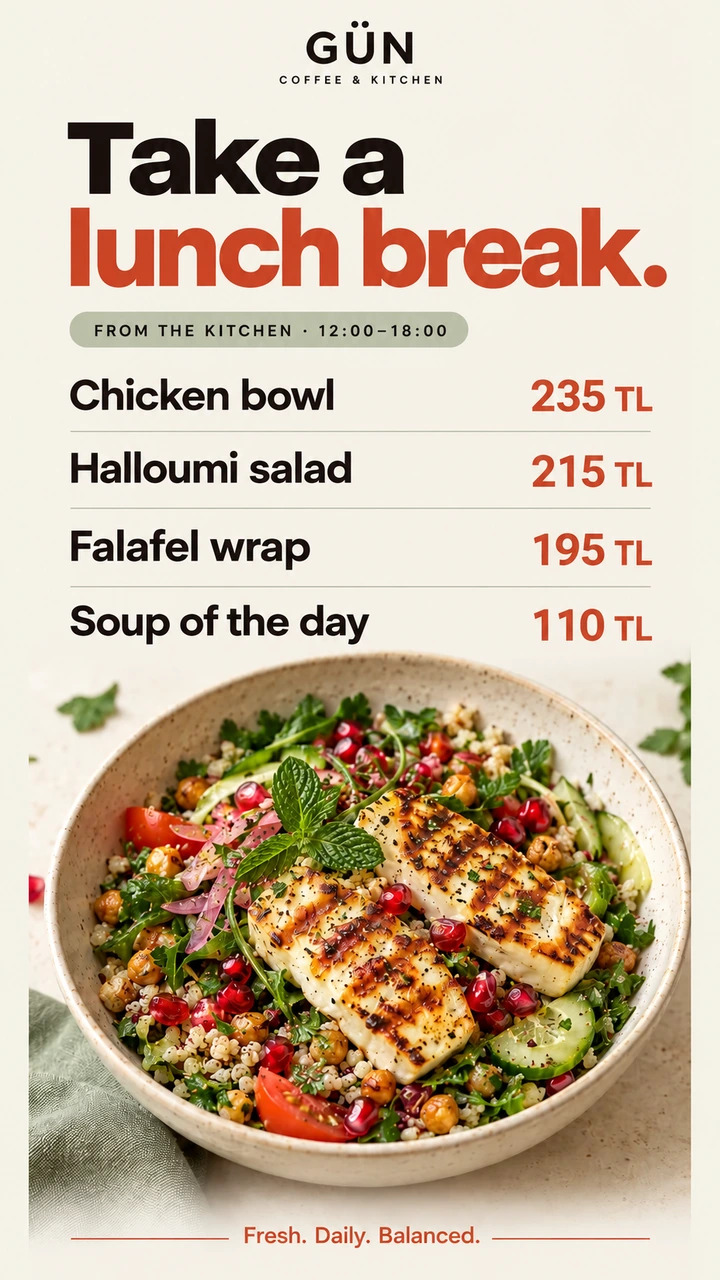
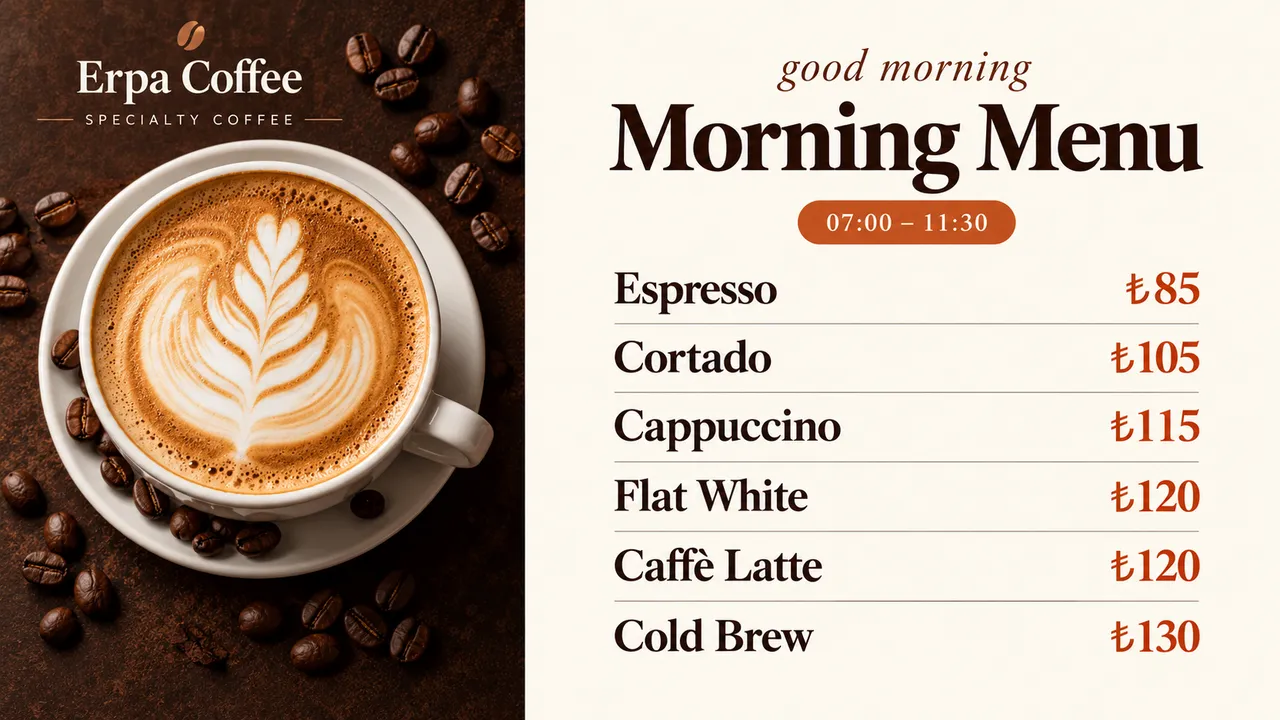
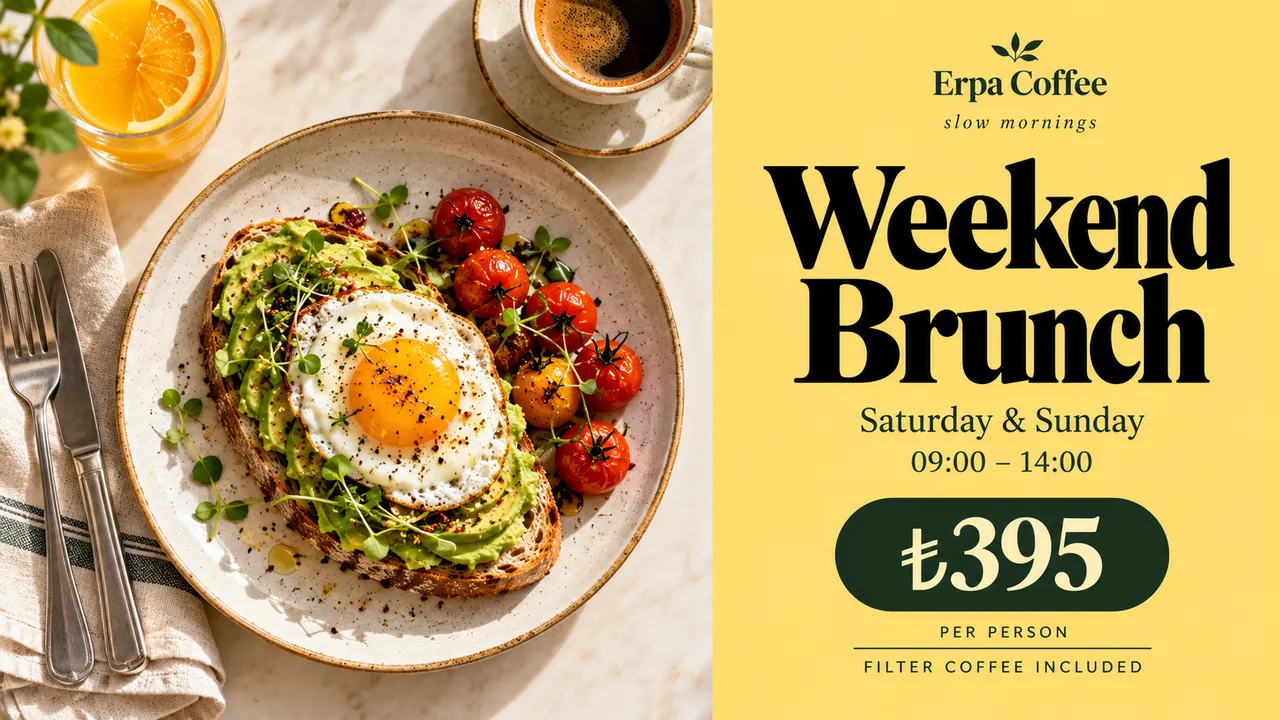
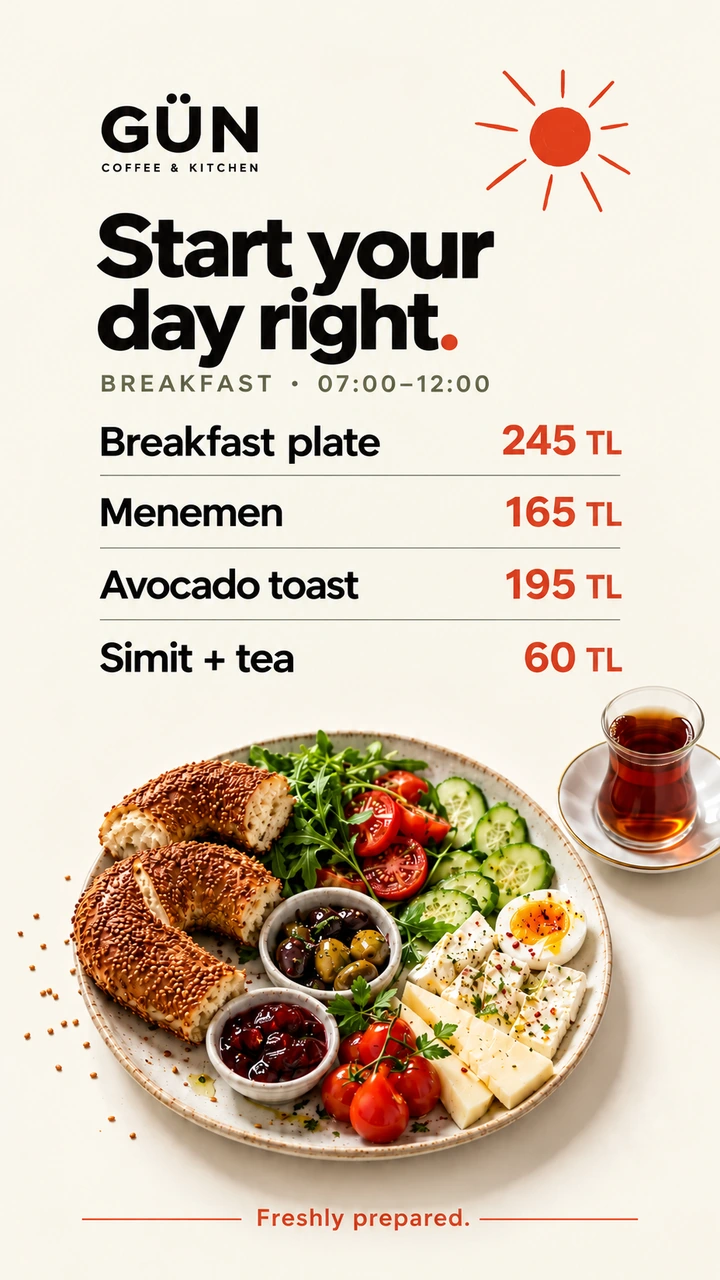
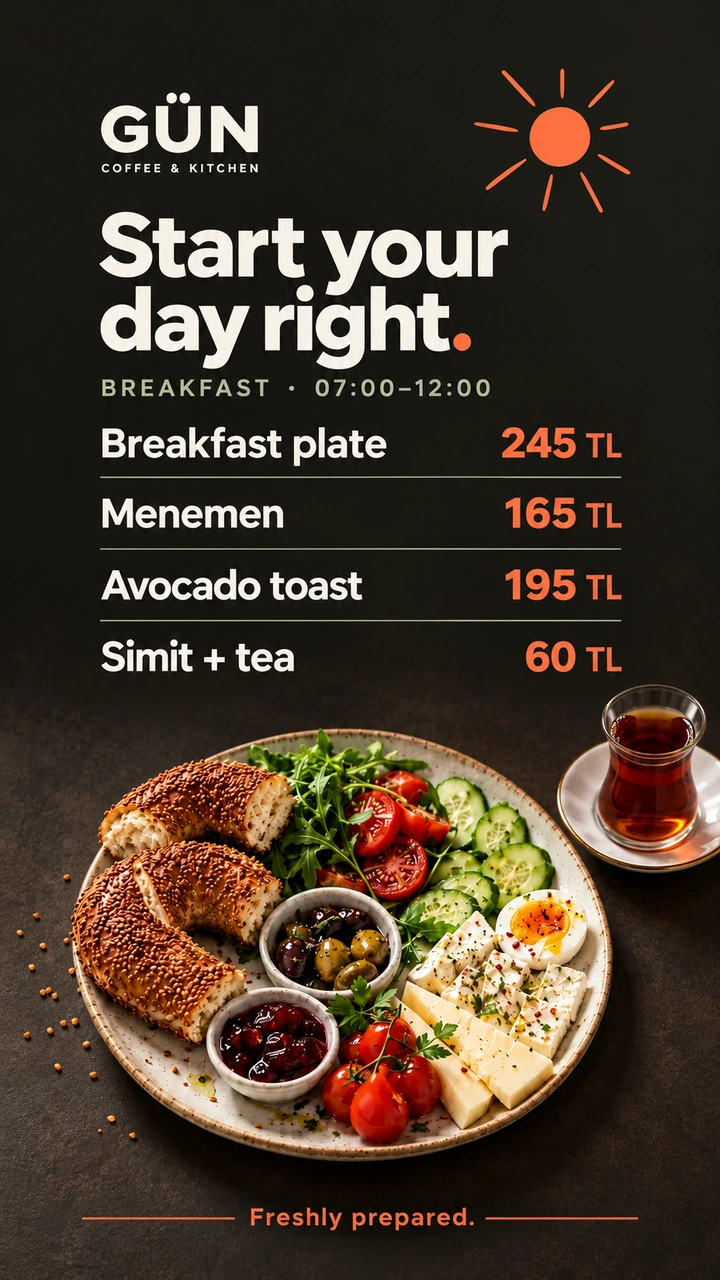
Menus that change with the clock

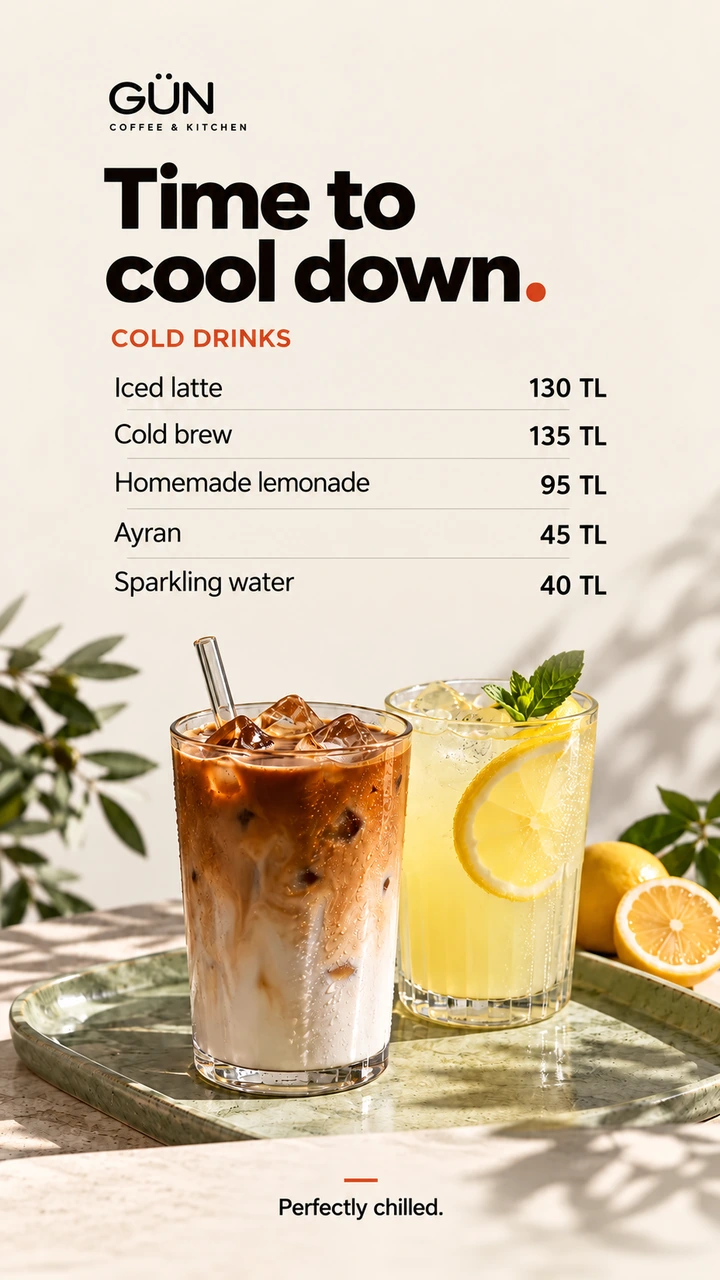
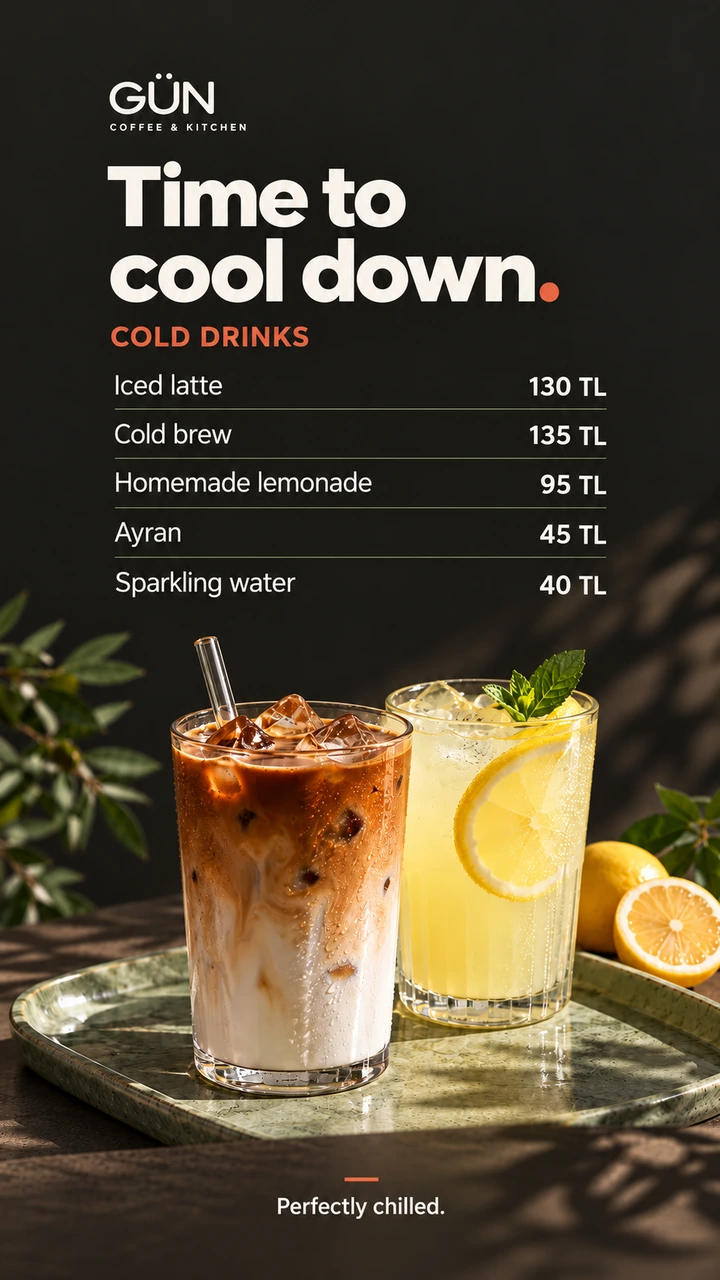
Breakfast, lunch and happy hour switch over on their own, and a price change reaches every branch in seconds.

  • Menus by time of day
  • Seasonal specials
  • Promotions by the queue
Explore

Window displays that sell while you're busy

Start a sale in every store at the same moment and end it the same way, without anyone climbing a ladder.

  • Campaign launches
  • Window and entrance screens
  • Portrait displays
Explore

Your collection, presented properly

Full-screen imagery and slow, deliberate video that matches the feel of the store.

  • New collection reveals
  • High-resolution imagery
  • Calm, looping video
Explore

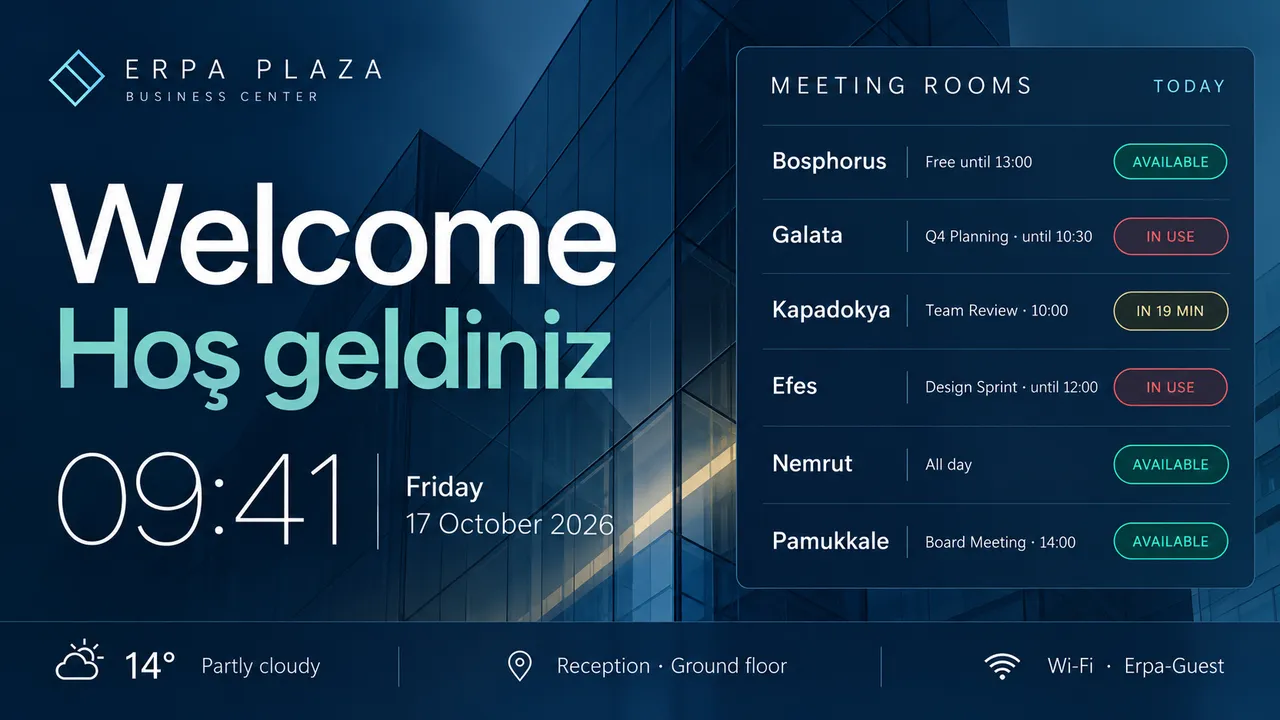
A lobby that greets every visitor

Welcome guests, list today's meetings and keep the clock and the weather in view.

  • Visitor welcome screens
  • Room and event lists
  • Company announcements
Explore

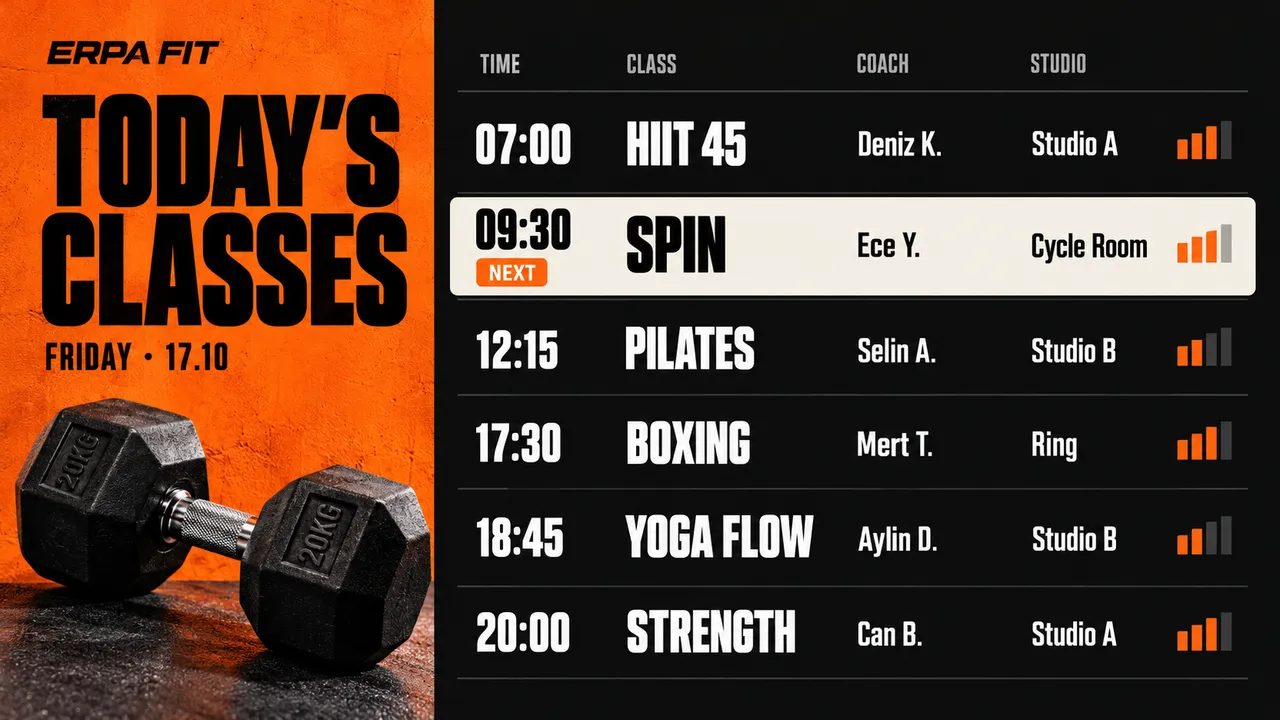
Today's classes on every wall

Show the timetable, highlight what starts next and slip a promotion in between classes.

  • Class timetables
  • Membership offers
  • Motivation between sets
Explore

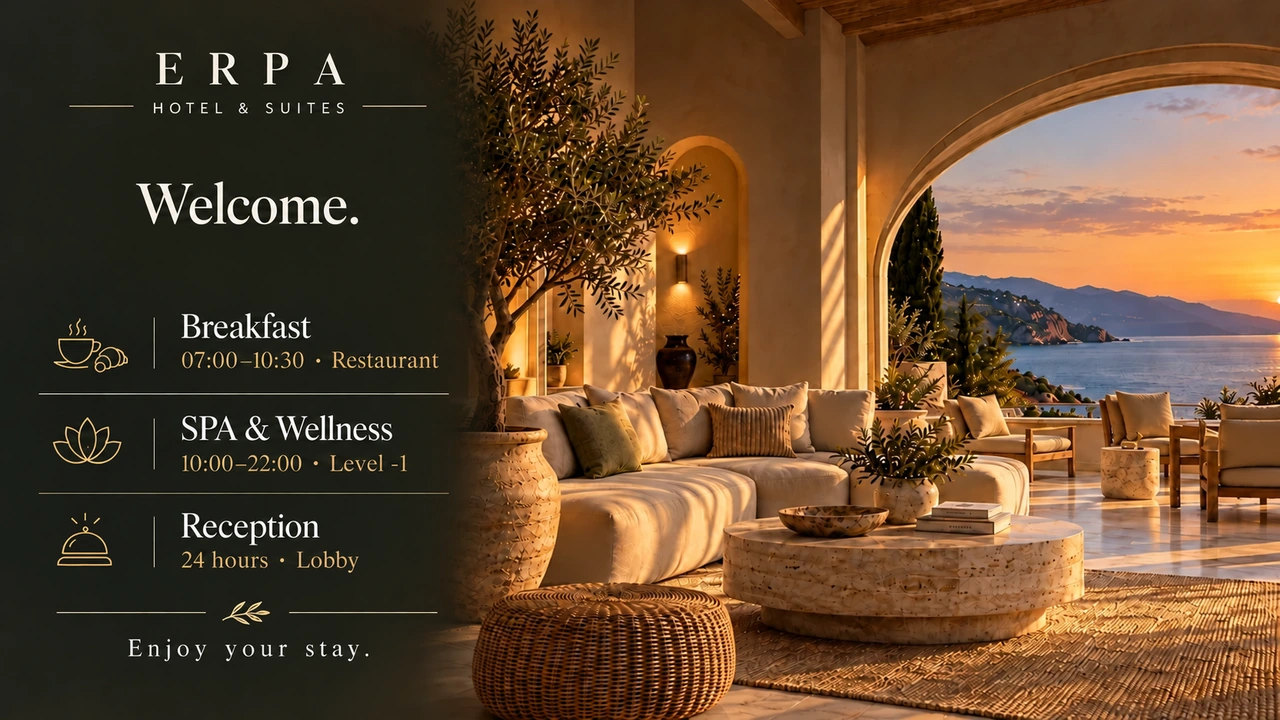
A hotel that tells its guests what's on

Breakfast hours, the spa's offer and tonight's programme, each on the right screen at the right hour.

  • Welcome screens and opening hours
  • Restaurant and spa offers
  • Event and meeting directions
Explore

Waiting rooms that answer before anyone asks

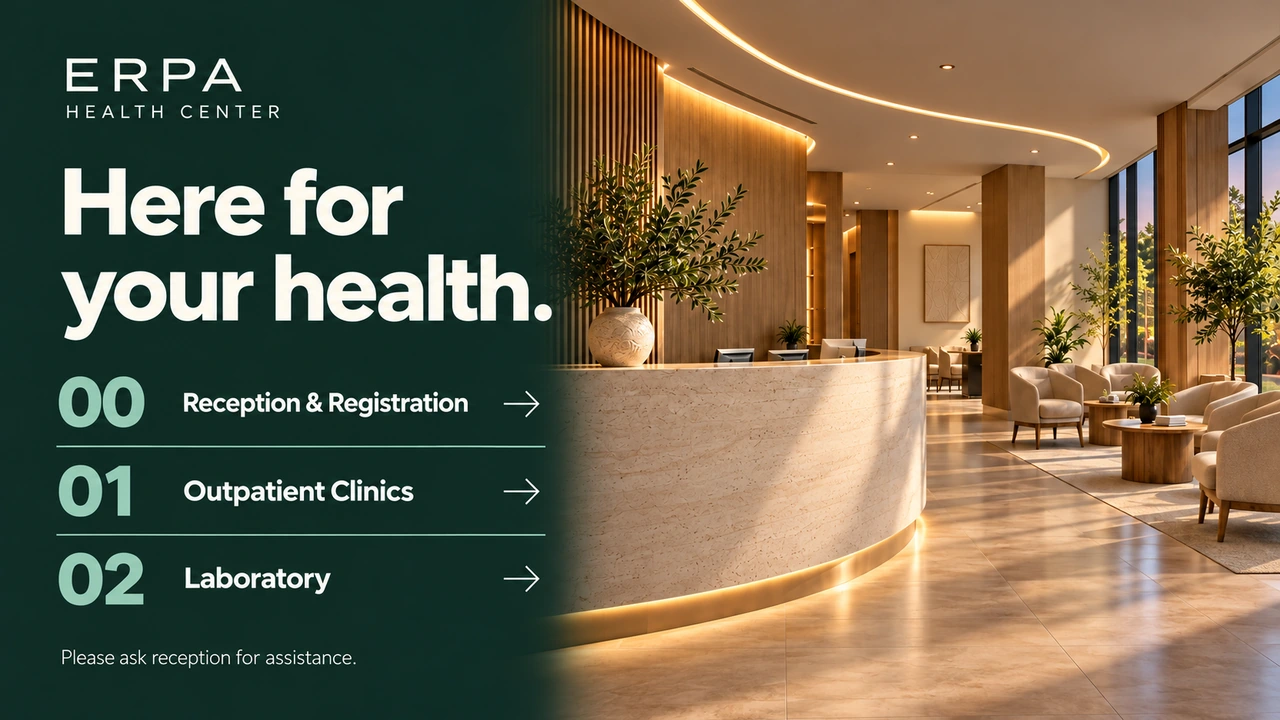
Opening hours, which floor each department is on and what to bring, so the front desk stops repeating itself.

  • Department directions
  • Opening hours
  • Health information
Explore

On screen by the end of the day

  1. 1

    Step 1: Turn on your screen

    Turn on a screen with Jonza installed and connect it to the internet; the rest takes a few minutes.

  2. 2

    Step 2: Pair each screen in seconds

    The screen shows a six-digit code. Type it into the dashboard and the screen is yours.

  3. 3

    Step 3: Publish from anywhere

    Change content from a laptop or a phone, and every screen picks it up within seconds.

Works with the systems you already have

Jonza runs on many smart TVs and operating systems.

Runs on

  • Linux Linux
  • Windows Windows
  • Android Android
  • Google TV Google TV
  • Amazon Fire TV Amazon Fire TV
  • LG webOS LG webOS
  • Raspberry Pi Raspberry Pi
  • Samsung Tizen Samsung Tizen

Works with screens from

  • Tochi
  • Samsung
  • LG
  • Arçelik
  • Beko
  • Philips
  • TCL
  • Vestel

Not sure about your screen or system? Ask Us

Tochi is Erpa's own screen brand, and Tochi screens arrive with Jonza already set up. With the other brands, Jonza runs on smart models with Android TV, Google TV, Tizen or webOS. Most recent smart models from these brands do, but it varies by model.

Other brand names and logos belong to their owners and are shown to indicate compatibility only.

Frequently asked questions

See all questions
What is digital signage?

Digital signage means showing menus, promotions, announcements and timetables on screens instead of printed posters, so you can change them whenever you like. With Jonza you manage every screen from one dashboard and update them remotely, wherever they are.

Do I need to buy any special equipment?

No. We can ship you screens that come ready to go (Tochi, Erpa's own screen brand, arrives with Jonza already set up), or if you already have your own, our team connects to them remotely and sets everything up for you. Either way, you just turn the screen on and start managing your content. The Jonza player runs on Linux, Windows, Android, Google TV, Amazon Fire TV, LG webOS, Raspberry Pi and Samsung Tizen.

How does pricing work?

Pricing depends on how many screens and locations you're running. Contact our team and we'll put together a plan that fits your business.

Can I manage screens in different cities or branches remotely?

Yes. Wherever your screens are, you manage them all from the same account — no need to do anything on-site.

What kind of content can I show on my screens?

Photos, videos and web pages, plus live widgets: a clock, the weather, a news feed, a scrolling ticker, a menu, a timer, QR codes and opening hours. Show them one after another, or layer them on the same screen.

Can I schedule different content for different days or times of day?

Yes. Use a weekly calendar to decide exactly what plays, where, and when — a breakfast menu in the morning, promotions in the afternoon, and a one-off campaign for a single date whenever you need it.

Is Jonza made in Türkiye?

Yes. Jonza is built in Türkiye by Erpa Teknoloji, and supported by our team here. The screens we ship are Tochi, Erpa's own brand, made in Türkiye, so the screens and the software come from one local company.

Which businesses is Jonza for?

Cafés and restaurants, shops, jewellers and boutiques, office lobbies, gyms and municipalities are among the most common. It suits any business that shows content on a screen that changes regularly.
See all questions

Ready to put your screens to work?

Leave your details and we'll get back to you with a quote. From setup to the first thing on screen, our team is with you.

info@jonza.app

We use your details only to answer your request, as set out in our Privacy Policy.

Thank You

Your request has reached us. Our team will be in touch shortly.
The simple way to manage digital signage. Jonza is built in Türkiye by Erpa Teknoloji, with a long track record in digital displays and industrial solutions.
Solutions

  • Cafés & Restaurants
  • Retail
  • Municipalities
  • Offices & Lobbies
  • Clinics & Hospitals
  • Hotels
  • Jewellery & Boutiques
  • Gyms & Studios

Features

  • Screen Designer
  • Playlists
  • Scheduling
  • Device Management
  • Media Library
  • Widgets
  • Supported Devices

Resources

  • Blog
  • Guides
  • Compare
  • USB Stick vs Jonza
  • Printed vs Digital Menu Boards
  • Best Digital Signage Software Companies

Jonza

  • Features
  • References
  • FAQ
  • Press Kit
  • Contact
  • Sign In
  • Privacy Policy
  • Cookie Policy
© 2026 Jonza. All rights reserved. info@jonza.app EN TR Made in Türkiye · A product of Erpa Teknoloji