Where multi-branch signage goes wrong
When screens are added one branch at a time, each one tends to be set up a little differently. A few years later the picture is familiar: a campaign that ended last month is still running in two branches, one location shows the old prices, and nobody at head office can say for sure what any given screen is showing right now.
None of this comes from bad intentions. It comes from having no shared structure: no agreed way to name screens, no line between what head office decides and what a branch decides, and no easy way to check. The good news is that the structure is simple to put in place, and once it's there, adding the next branch takes minutes rather than a project.
Name every screen so anyone can find it
Start with names. A screen called "TV 3" means something to the person who set it up and nothing to anyone else. A name that says where it is and what it does can be found by anyone, from any office.
- Use one pattern everywhere: city or region, branch, then position. For example "Istanbul – Kadıköy – Counter left".
- Name by position and purpose, not by the brand of the screen. Screens get replaced; the wall above the counter stays.
- Write the pattern down and share it with whoever sets up new screens, so it survives staff changes.
Group screens the way you make decisions
Groups are what turn fifty separate screens into a handful of decisions. The trick is to group by the questions you actually ask, such as "all menu boards", "every branch in Ankara" or "all window screens".
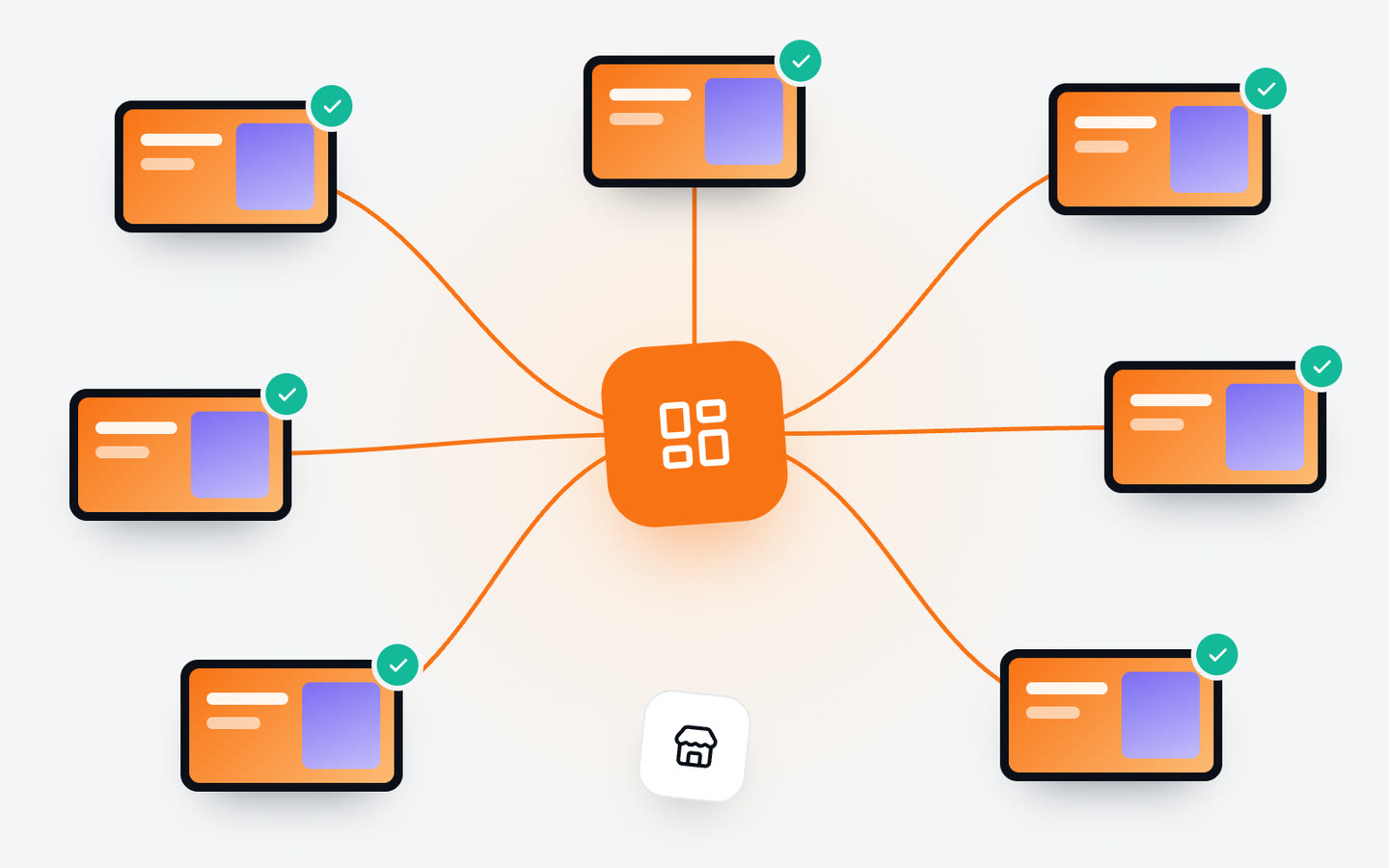
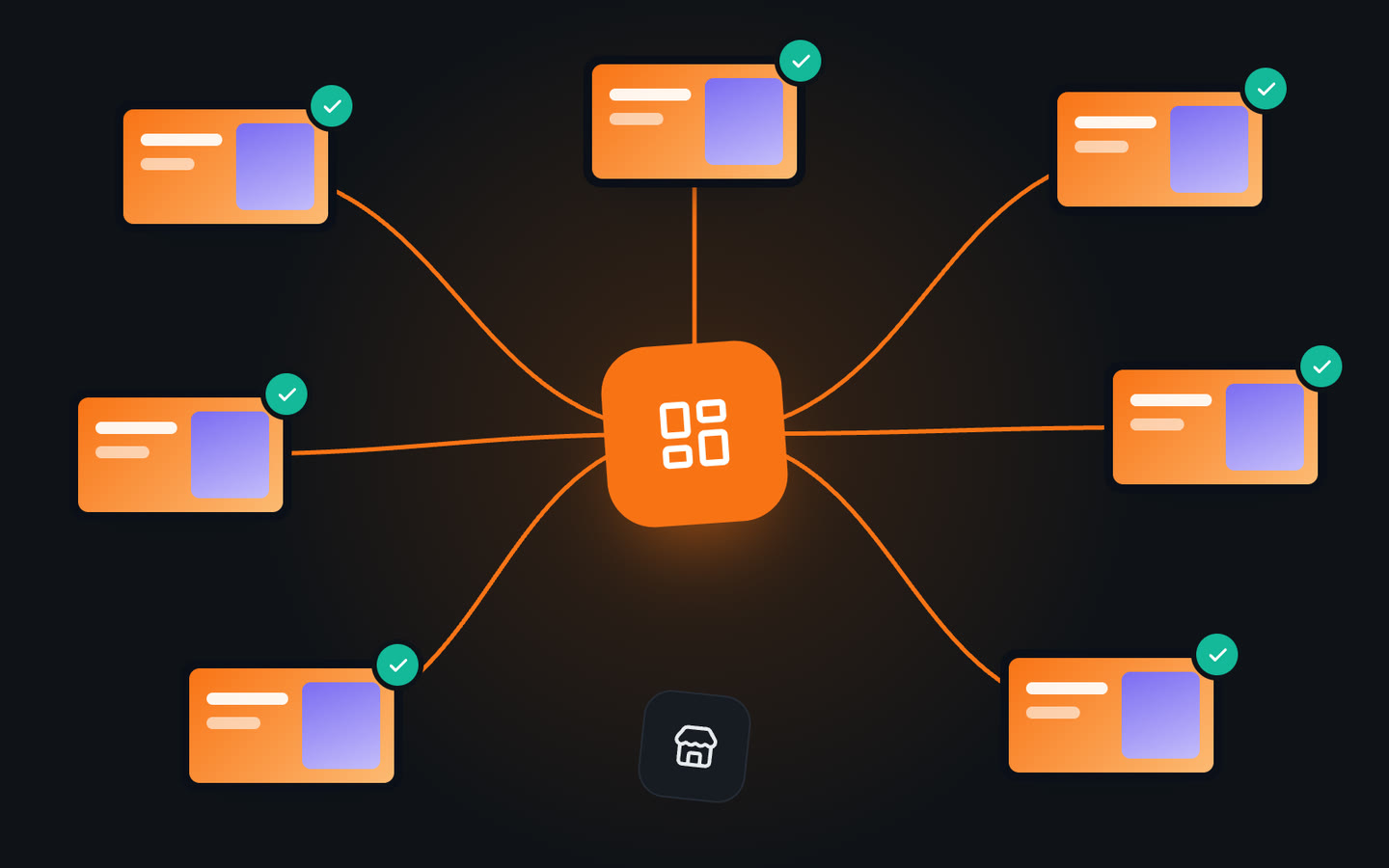
Tags work well because one screen can carry several: its branch, its region, its type and its floor. That way the same screen belongs to "Kadıköy", "Istanbul" and "Menu boards" at once, and you can reach it through whichever group fits the change you're making. In Jonza you tag screens by branch, floor or screen type and assign the same content to every screen in a group in one go.
Decide what's central and what's local
The most useful conversation you can have about multi-branch signage is about who decides what. Without it, either head office controls everything and branches feel they can't react to anything, or every branch does its own thing and the brand drifts apart.
A split that works for many chains:
- Central: brand content, national campaigns, the core menu and prices, legal and safety notices.
- Regional: offers that only make sense in one city or climate, regional prices, local events.
- Local: a branch's own opening hours, its team, a neighbourhood event, a sold-out item.
In practice, central content is shared and changed once for everyone, and local content is a small, clearly marked part that each branch looks after. Municipalities can use the same idea: city-wide announcements from the centre, and each service building's own hours and notices locally.
Decide who can change what
Every extra person who can change every screen is another chance for a mistake to go out everywhere. Keep the circle for central content small, and give branch staff a clear, limited area for local content.
- List who needs access and why, and review the list when people join or leave.
- Agree on a simple check before a central change goes live: a second pair of eyes on prices and dates is often enough.
- Protect accounts that can change many screens. Two-step verification and signing out old devices take a minute and close an obvious gap.
Rolling out a campaign to every branch
-
Prepare it once
Make the campaign content in the right shape for each kind of screen it will run on: landscape for lobbies, portrait for menu boards, short for windows.
-
Pick the groups
Choose the groups it applies to, and the screens or branches it should skip, such as a location that doesn't sell the product.
-
Set the dates
Give it a start and an end, and the times of day it should run. It then appears and disappears on its own in every branch.
-
Check it arrived
On the first morning, check which screens are online and what they're playing, before anyone needs to call a branch.
Check from the office before you call the branch
The most common phone call in multi-branch signage is "is your screen working?". It's slow for head office and disruptive for a busy branch. Being able to see each screen's status remotely changes that: whether it's online, when it last connected and what it's playing now.
Make checking part of the routine rather than a reaction to complaints. A quick look at the start of a campaign, and a weekly glance for screens that have gone quiet, catch most problems before a customer does. When a screen does need attention on site, you can tell the branch exactly which one and what to check, usually power or the network.
Adding the next branch
With names, tags and a central-local split in place, a new branch is mostly a matter of following the pattern: name the screens, tag them with the branch, region and type, and they pick up the right content straight away. Nothing has to be built for that branch alone, except its local corner.
Keep a short checklist for openings, covering the screens, their positions, the network, the names and tags, and the local content. It's the difference between a new branch that looks like the rest of the chain on day one and one that catches up weeks later.
In short
Multi-branch signage stays under control with a little structure: names anyone can understand, tags that match how you decide, a clear line between central and local content, a small circle of people who change everything, and a habit of checking screens from the office. Campaigns then reach every branch on the same morning and end on the same night.
Jonza is built for exactly this kind of work: screens in different cities managed from one account, changes that reach them within seconds, and a weekly schedule that runs itself. If you're planning a rollout, tell us how many screens and locations you have and we'll put together a plan.