Why internal screens work
Most workplace communication assumes people sit in front of a computer. Emails, intranet pages and chat channels all do. But in a factory, a warehouse, a shop floor or a hospital, many people spend their day away from a desk, and even in an office the important message is often lost among a hundred others.
A screen in the right place reaches everyone who walks past it, without a login, an inbox or a phone. It's where people already look: at the entrance, in the break room, by the time clock, above the production line. Used well, it becomes the place people know to check for what's happening today.
What to show
Internal screens work best when they carry a small number of messages people actually need. A useful mix looks something like this:
- Safety: the reminder that matters this week, such as protective equipment in a given area, a wet floor, a fire drill date or the nearest first-aid point. Short, direct and changed often enough to stay visible.
- Shifts and schedules: who's on, when the next shift starts, changes to working hours around a holiday.
- Live figures: production targets, orders shipped, open tickets or a quality dashboard, shown as a live web page so they're always as current as the source system.
- Announcements: a new colleague, a policy change, an event, a reminder about a deadline.
- Visitors: a welcome for today's guests in the reception area, with their company name and the meeting room, if they've agreed to it.
- Daily life: the canteen menu, the weather, a clock, transport times for staff buses.
- Recognition: work anniversaries, team achievements and, with each person's consent, birthdays.
Where to put the screens
Placement decides whether a screen is read or ignored. Look for places where people pause, not just pass.
- Entrances and time clocks: everyone passes twice a day. Good for the day's key message and safety reminders.
- Break rooms and canteens: people sit for several minutes. Good for announcements, recognition and the longer loop.
- Production lines and warehouse aisles: live figures and safety messages, readable at a glance and from a distance.
- Reception and lobbies: visitor welcomes, company news and a calm loop that represents the company well.
- Meeting room doors: today's bookings, if you show them from a calendar as a web page.
On a factory floor or in a warehouse, think about distance, light and dust. Text needs to be readable from where people actually stand, which may be several metres away, so use very large type. Bright halls and windows call for a brighter screen than an office would need, and a dusty or humid environment may call for a commercial display or a protective enclosure.
Readable at a glance
People in a workplace rarely stop to read a screen properly. They glance at it while walking, carrying something or waiting for a machine. Design for that glance.
- One message per slide, in as few words as it takes.
- Large type and strong contrast. Test it from the furthest spot where people will look.
- Icons and colours that match the ones already used in the workplace, especially for safety.
- Numbers big enough to read across the hall when showing live figures; drop the detail and keep the headline.
- If your team speaks several languages, show key safety messages in each, one after the other.
Keep screens silent. A factory is already loud, and an office doesn't need a speaker playing the same video all day.
Keeping it fresh
The fastest way to kill an internal screen is to leave the same content on it for a month. People learn very quickly that nothing new appears there, and they stop looking, including on the day something important does.
- Change something at least every week, even if it's only the safety message of the week or a new photo.
- Give every announcement an end date when it goes up, so it leaves on time.
- Let live data do some of the work: a clock, the weather, the canteen menu and live figures change by themselves.
- Plan by shift: the morning shift and the night shift may need different messages. A schedule can switch content at shift change without anyone being there.
Who owns the screens
Screens that belong to everyone end up belonging to no one. Decide who does what before the first screen goes up.
- One owner who decides what goes on and keeps the loop tidy, often someone in HR, internal communications or operations.
- Contributors who can add their own content, such as health and safety, the canteen or a site manager, each for their own screens.
- A simple rule for urgent messages: who can put one up immediately, on which screens, and who takes it down.
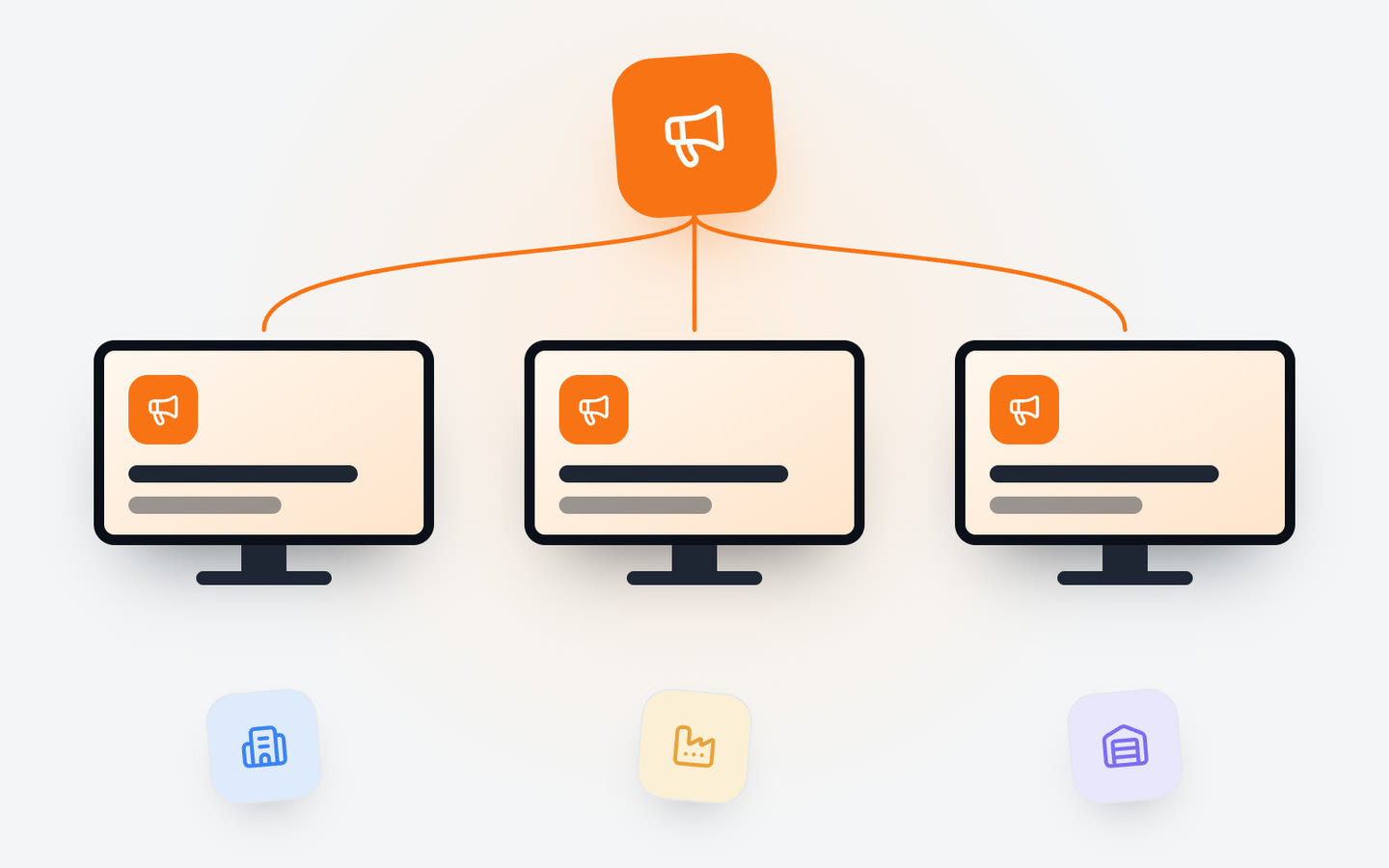
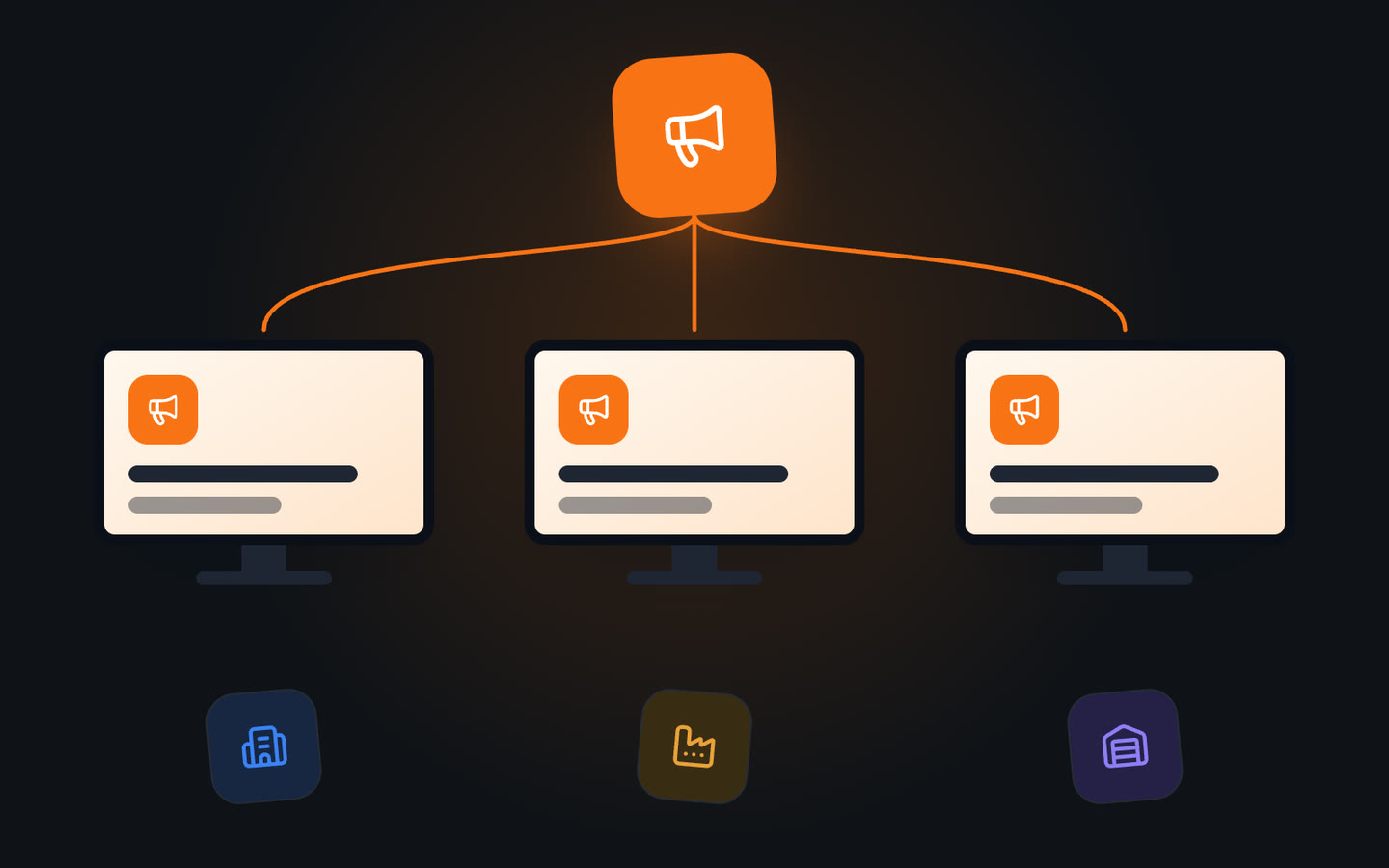
If you have several sites, group screens by site, building or floor. Company-wide news goes to all of them at once; each site manages its own local messages. That way head office doesn't need to know the canteen menu in every factory, and a site doesn't need permission to announce its own fire drill.
Privacy and consent
Internal screens are often visible to visitors, contractors and delivery drivers as well as staff. Treat them as public.
- Ask before showing anyone's photo, name or birthday, and respect a no.
- Don't show personal performance figures or anything that singles out an individual's mistakes.
- Check that live dashboards don't include customer names, personal details or commercially sensitive figures before putting them on a screen visitors can see.
The takeaway
Internal screens reach the people email doesn't. Put them where people pause, show a few messages that matter today, make them readable at a glance and from a distance, change something every week and decide who owns them. Done that way, the screen becomes the first place people look.
With Jonza you can group screens by site, building or floor, send company-wide news to all of them at once, let content switch at shift change on a weekly schedule, show live dashboards and the canteen menu as web pages, and see from one place that every screen is on. If you're planning screens for your offices or sites, we'd be glad to help.